Charge the glasses fully using the provided USB cable before first use.
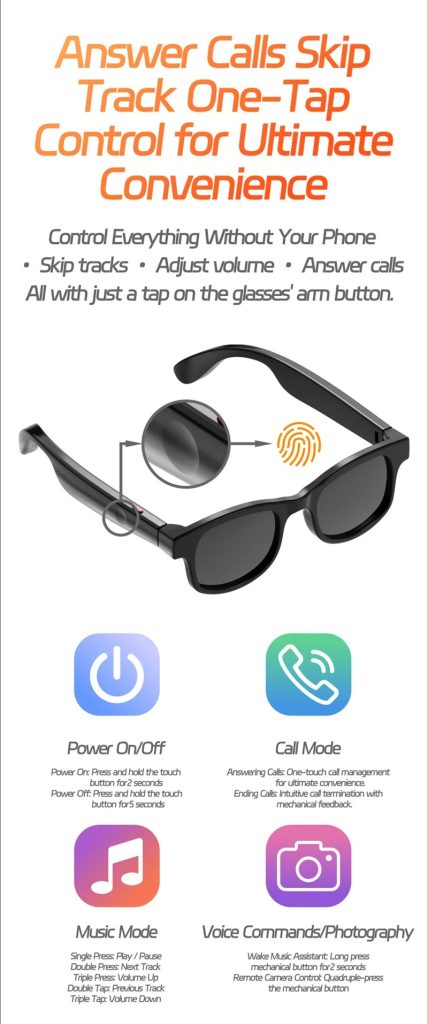
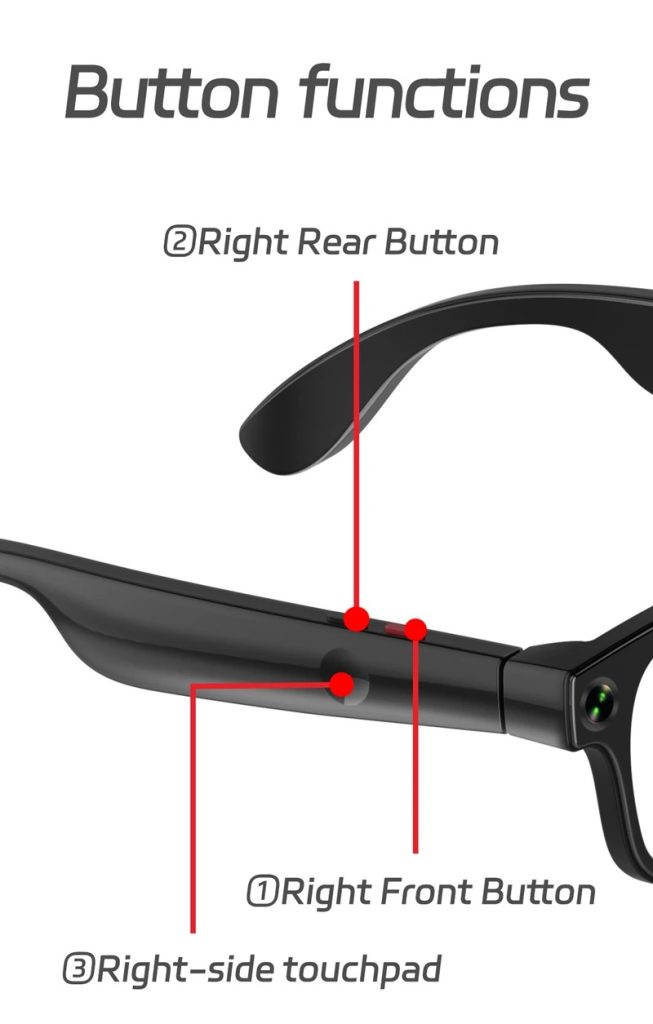
Press and hold the power button to turn the glasses on (usually 2–3 seconds).
Enable Bluetooth on your smartphone and pair it with “AIMB-G2” from your device’s Bluetooth list.
Download and install the recommended companion app (if provided in the manual) to access full AI features.
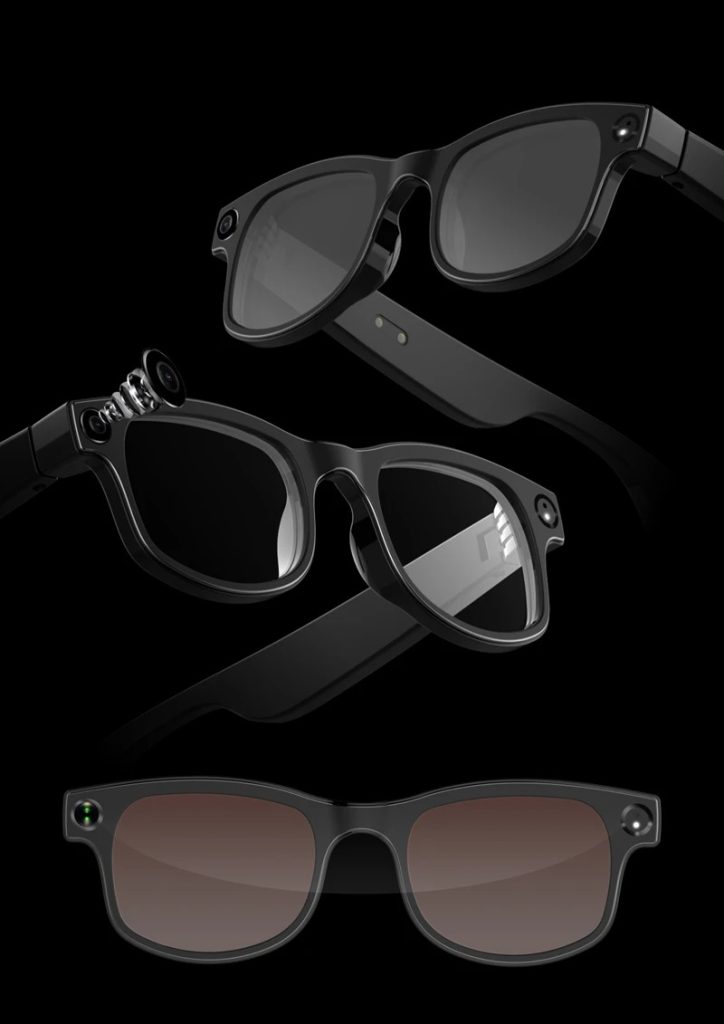
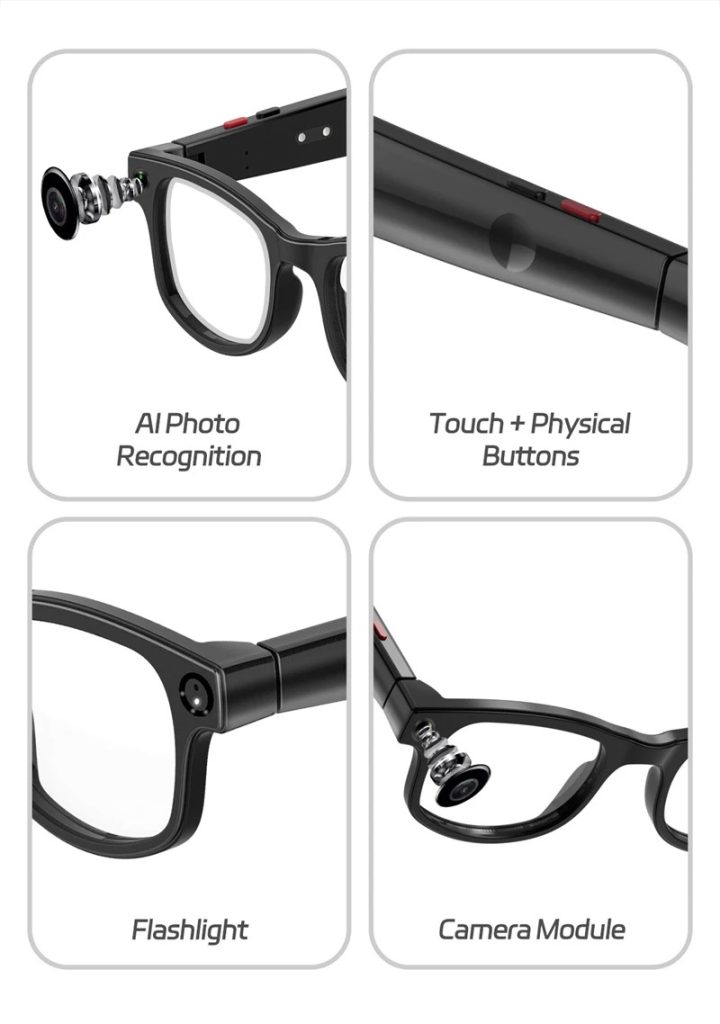
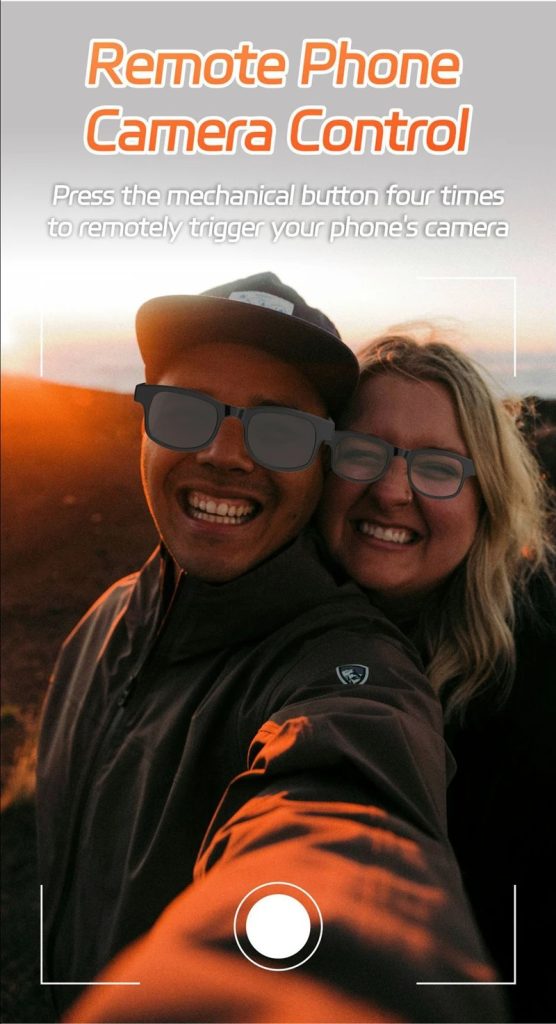
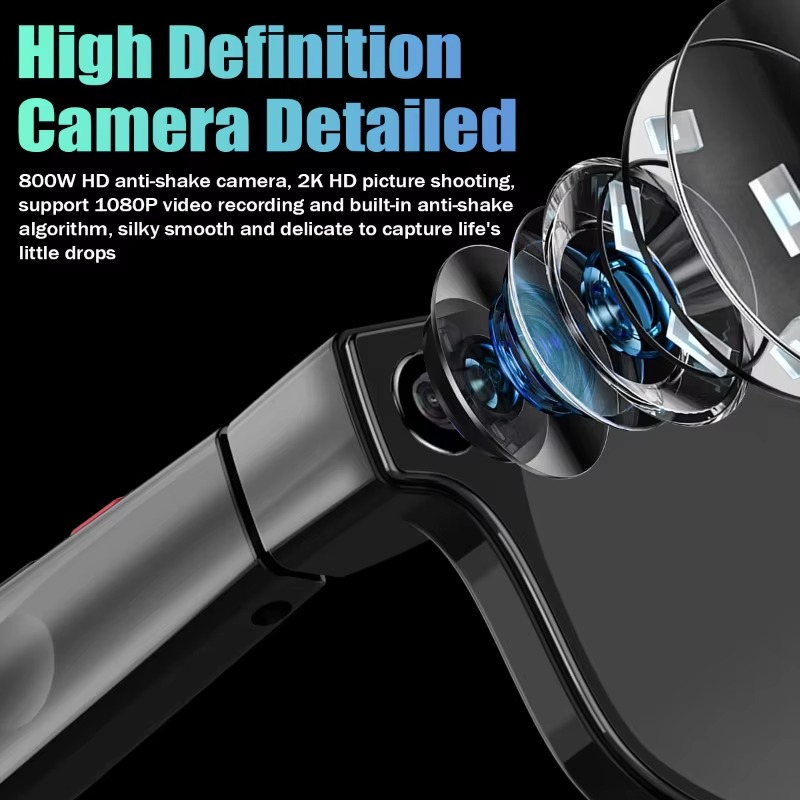
Use the side button to take photos (single press) or record videos (press and hold).
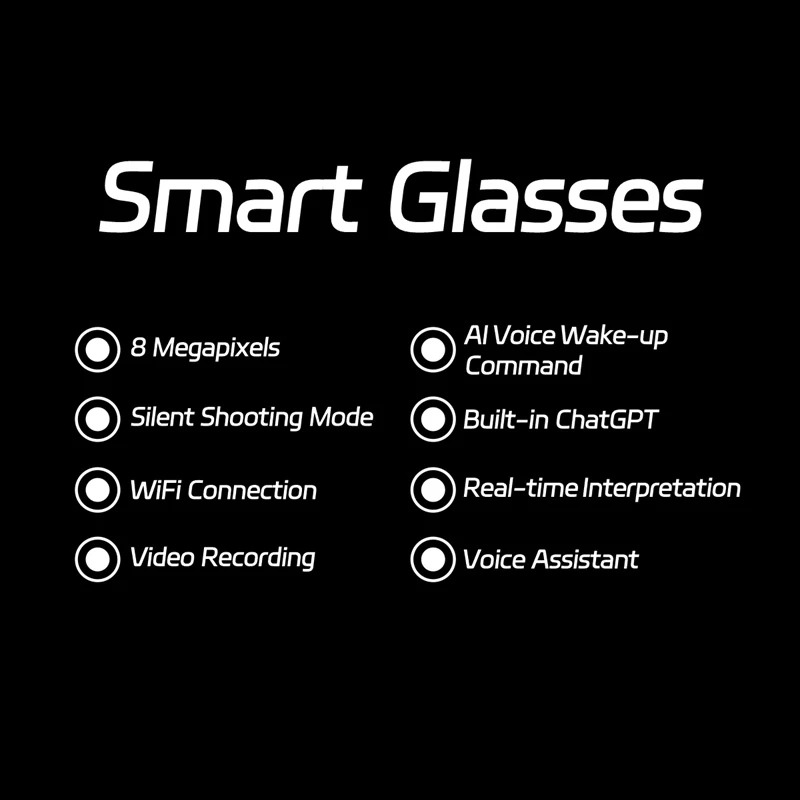
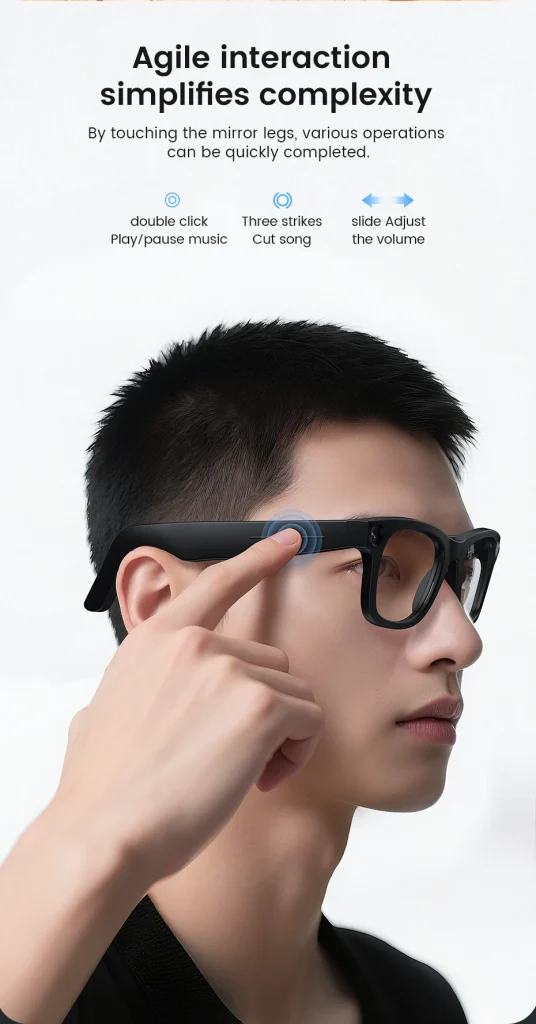
Activate voice assistant or AI mode by using the designated touch area or voice command (e.g., “Hey AI” if supported).
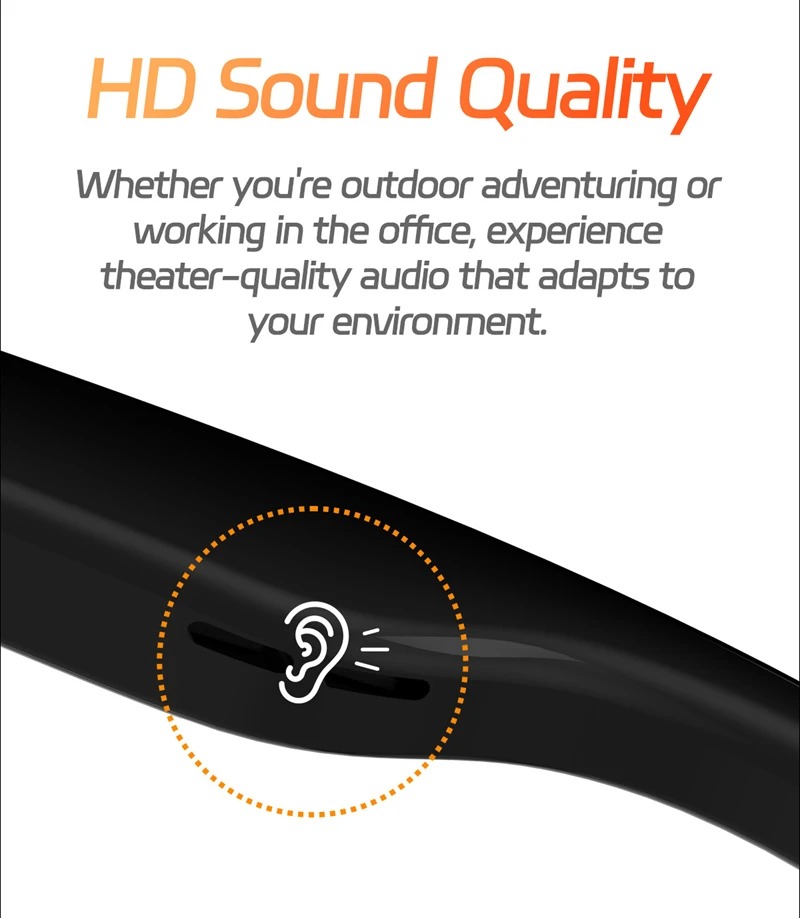
Use built-in speakers to listen to music or answer calls by tapping the control area on the frame.
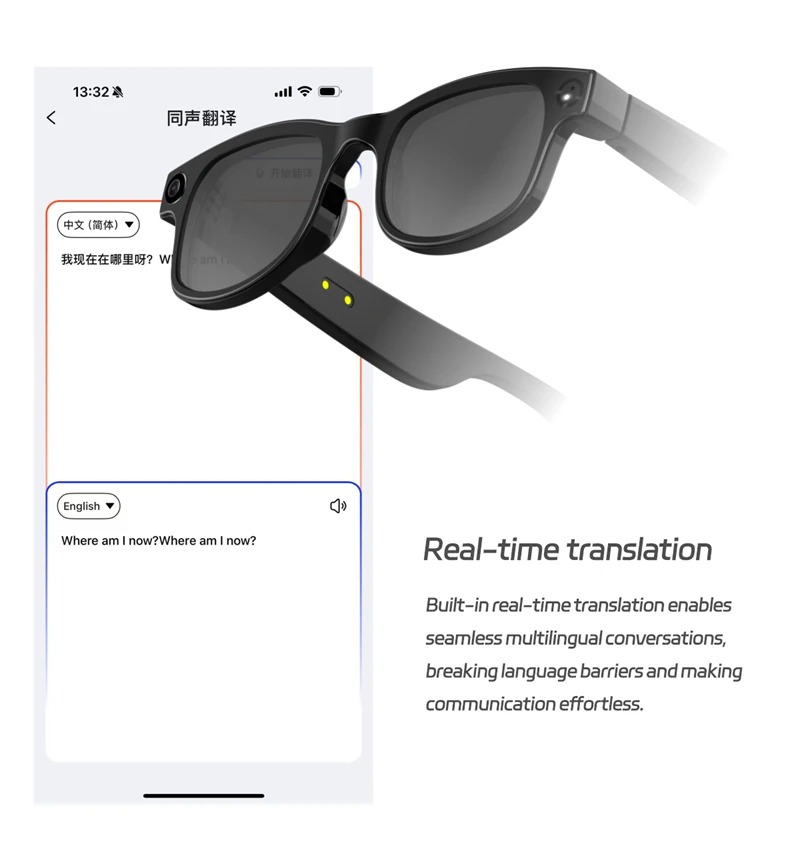
For translation or AI functions, open the companion app and select the feature you want (e.g., real-time translation, object recognition).
Transfer photos and videos to your phone through the app or USB connection.
Turn off the glasses after use by holding the power button for a few seconds.